You built the campaign, wrote the copy, segmented the list, and hit send. A day later, half your audience hasn’t opened it. The instinct is to treat this as a problem to fix... fix that subject line, adjust that send time, and voilà.
Sometimes that’s the right call. But more often, the unopened email is telling you something more useful than “your subject line wasn’t catchy enough.” It’s a data point about how that user prefers to be reached, what kind of message earns their attention, and whether email is even the right channel for the job.
Below, we walk through how to read that silence, decide what to do next, and build an engagement strategy that treats non-response as input rather than failure.
First, Diagnose the Silence
Before you change anything, figure out which kind of “ignored” you’re dealing with, because the cause determines the response.
Technical hurdles: Did the message actually arrive?
The most basic question is whether your email made it to the inbox at all. Misconfigured DNS records, poor sender reputation, or an unverified domain can quietly route your messages to spam, or prevent delivery entirely. If your open rates dropped suddenly across your entire list (rather than for a specific segment), start here.
OneSignal’s email troubleshooting documentation covers the most common deliverability issues and how to resolve them. And if you’re evaluating your email infrastructure more broadly, our breakdown of what to look for in an email service provider is a useful starting point.
Content and context: Was the message worth opening?
If delivery isn’t the issue, the next question is relevance. Was the email personalized to the user’s behavior, or was it a batch-and-blast to your entire list? Was the value proposition clear in the subject line and preview text, or did the recipient have to guess why it mattered?
These are real factors, and they’re worth testing. But they’re also the advice that every “how to improve open rates” post already covers. The more interesting question is the one most teams skip.
Channel preference: Was email the right vehicle?
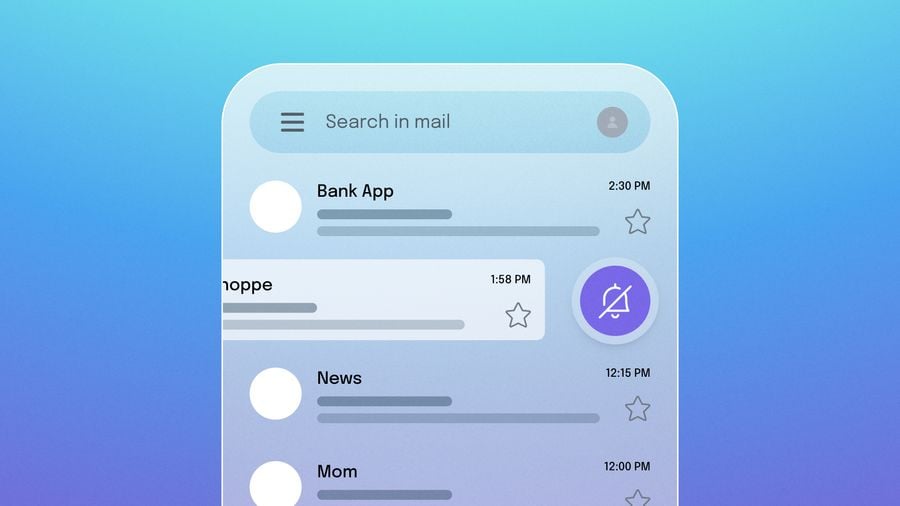
Some users are buried in email. They have 4,000 unread messages and a relationship with their inbox that is, generously, adversarial. These same users might tap every push notification within minutes or respond to an SMS inside of 30 seconds.
This is also worth keeping in mind: users who go quiet on one channel are not necessarily disengaged from your product. For more on that distinction, read Rethinking ‘Inactive’: Why Your Quiet Users Might Still Be Valuable.
Choosing your next move: Retry or rechannel
Once you’ve diagnosed the likely cause, you have two options: try email again with a different approach, or move the conversation to a different channel entirely. The right choice depends on the message and the user.
When to send a follow-up email
A follow-up makes sense when the message is high-value, non-urgent, and there’s a reasonable chance the first email was simply lost in the noise. Think: a detailed product update, a renewal reminder, or an onboarding sequence where the next step matters.
If you do follow up, make it count. Don’t just resend the same email—offer a new angle, simplify the ask, or test a different subject line. And always make it easy to opt out. Respecting unsubscribe preferences isn’t just a compliance issue; it protects your sender reputation and keeps your remaining list healthier. Our guide on how to manage email unsubscribes covers the mechanics.
When to escalate to push or SMS
If the message is time-sensitive, action-oriented, or better suited to a quick glance than a full read, another channel is probably the better play.
Push notifications work well for in-app actions, cart abandonment, flash sales, and anything where context matters more than detail. They’re visual, tappable, and land directly on the lock screen—but they require their own strategy to be effective. If you’re seeing low engagement on push too, Why Most Push Notifications Go Unread and An Open Letter From Your Ignored Push Notification are both worth reading.
SMS is the highest-urgency option. Delivery rates are near-universal, and most texts are read within minutes. Reserve it for messages where delivery truly can’t wait: appointment confirmations, security alerts, or a last-chance offer that expires in hours. Overusing SMS burns trust faster than any other channel.
Building a smarter multi-channel strategy
Treating each ignored email as a one-off problem to fix is reactive. The better approach is to build a system that learns from non-engagement over time and routes messages accordingly.
Using engagement data to map user preferences
Every interaction (and non-interaction) adds to your picture of how a specific user prefers to communicate. A user who consistently ignores emails but opens every push notification is giving you a clear channel preference, if you’re set up to read it.
Over time, this data lets you shift from broadcasting on a single channel to routing each message through the channel most likely to reach that individual. An unopened email becomes the input that makes the next touchpoint more effective.
Why this requires a unified platform
In practice, this kind of cross-channel orchestration falls apart when your email tool, push provider, and SMS vendor are all separate systems with separate data. You end up with fragmented user profiles, duplicated messages, and no clean way to say “if email is unopened after 24 hours, send a push instead.”
A customer engagement platform that unifies email, push, SMS, and in-app messaging under one roof solves this. It gives you a single view of each user’s engagement across every channel, and it lets you build automated journeys that adapt based on behavior.
If you’re evaluating platforms, our comparison of top Braze alternatives for email and push in 2026 breaks down what to look for and how OneSignal stacks up.
Get Started for Free